OPEN-SOURCE CAD · BUILT FOR THE BROWSER
Free online CAD editor
for 2D drafting.
Draw a floor plan or part outline from scratch, or edit a DXF you already have. Save an editable DXF or export an SVG or PNG from your browser.
Files stay on your device No account needed
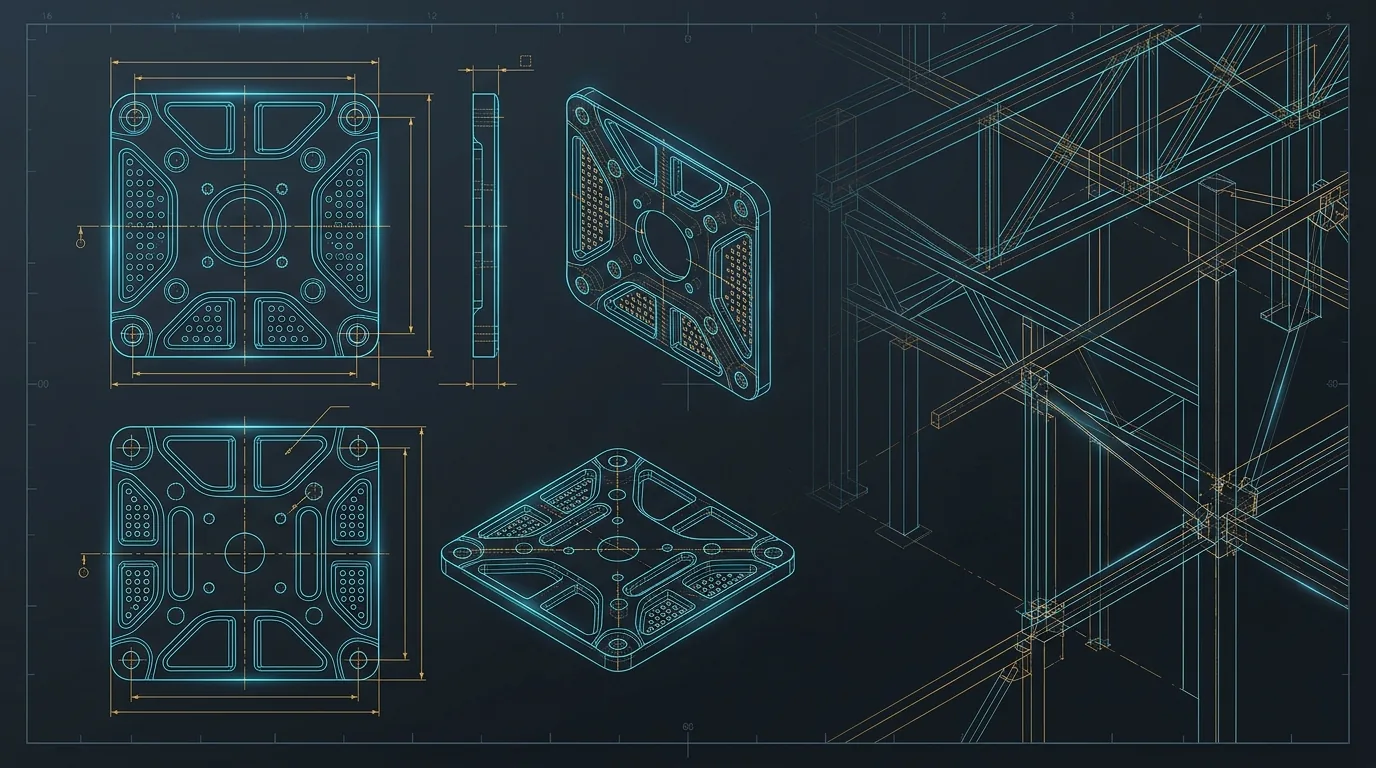
INTERACTIVE DRAWING PREVIEW
Your drawing, ready to explore
Open a DXF to inspect the details, or try the sample drawing. Use the controls to pan, zoom, and fit the view.
What can you draw with 2D CAD online?
Use the browser editor to sketch a room layout, a bracket outline or a simple shop drawing. Draw lines, polylines and circles, separate geometry and notes with layers, then add dimensions to show the intended size. Try the studio sample to explore walls, door swings and furniture before starting a blank drawing.
Already have a floor plan from a colleague? Check it in the viewer first. Move to the editor when you need to change geometry, inspect a layer or measure between two points.
Choose the right file for the handoff
Save a DXF copy when someone needs to edit the drawing, inspect its layers or measure the geometry in CAD. Use SVG when linework needs to stay crisp at several sizes, or PNG for an image you can paste into a report, slide or email.
UseCADCraft opens DXF files up to 25 MiB and processes drawings on your device. If you received a DWG, ask the sender to export a DXF copy and keep the DWG as the source. For a drawing issued at a specific scale, check the original plotted sheet as well.
Learn 2D CAD with a real drawing
Follow a measured floor plan exercise or learn which CAD file format to ask for when someone sends you a drawing.
DXF vs DWG
Learn what a DXF file contains, how it differs from DWG, and which CAD format to send. Follow a checklist for units, layers and drawings that look incomplete.
DXF units and scale
DXF imports 25.4 times too big or small? Check inches and millimeters, measure a sample with DIST, and verify the drawing before scaling it.
Draw a 2D floor plan
Draw a 5 × 3.5 m room with walls, a partition and a dimension in the online CAD editor. Follow verified commands and download the finished DXF.
Common questions
What can I do with a DXF file?
You can preview and zoom a 2D drawing, edit it in the CADCraft workspace, and download a DXF copy or an SVG or PNG export.
Where are my drawings processed?
The CAD engine works inside your browser. The file and the converted result stay on your device.
Can I open DWG drawings?
The UseCADCraft tools accept DXF. If you have a DWG, export a DXF copy in the application you used to create it and open that copy here.